
Welcome back to another school year! You may have noticed that things are looking a little different across our website and resources. Not to worry – these are thoughtful updates designed to enhance your experience using the Understanding Faith platform. The changes are outlined below.
CONTENTS UPDATES
Primary
- Full updates to Units 36 – 39
- Updates and enhancements to interactive activities and slideshows
- Updates and enhancements to images
- New YouTube videos with learning activities
- Unpacking the Scriptures
- Liturgy of the Word Planner
Secondary
- Full updates to Units 52 – 54, 65
- Updates and enhancements to interactive activities and slideshows
- Updates and enhancements to images
- New YouTube videos with learning activities
- New multimedia with learning activities
Overview of the Books of the Bible
- Summary of each book of the Bible including the purpose, outline and key points
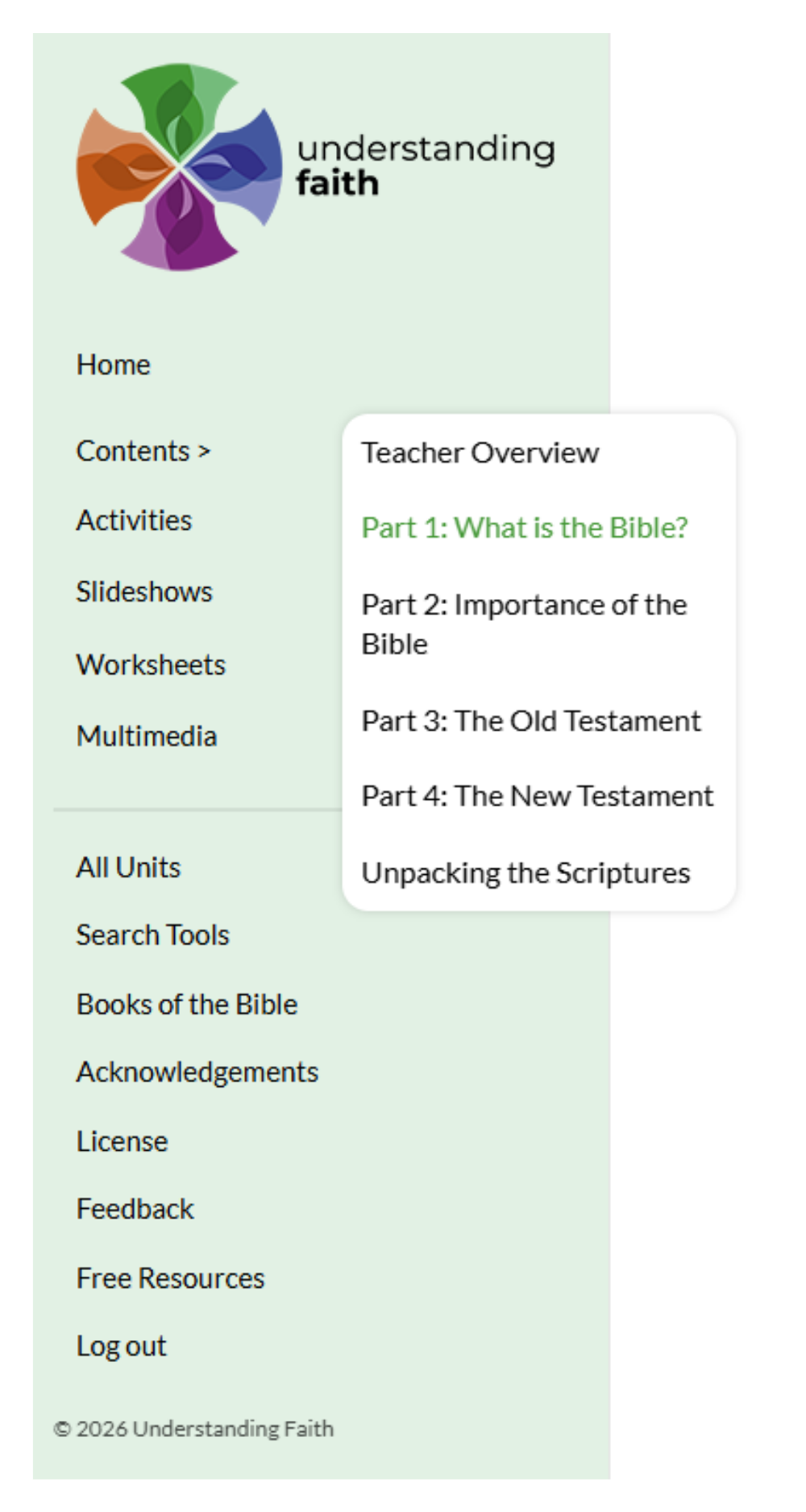
- Accessible via the side bar within any unit
DESIGN CHANGES/ADDITIONS
The most noticeable change is the updated colour scheme, now cohesive across both our logo and the resource. These colours, and their variations, can now be found throughout the platform and will also flow into our social media and marketing materials.

You will notice other refinements that make the resource more visually appealing and easier to engage with, such as:
- “Bento” design style and rounded corners
- Monoline icon banners matching to stage colour
- More distinctive quote boxes, often displaying bible verses
- Improved spacing and layout for easier on-screen reading
- Consistent “modal” view popup (with the option to pop out so you can continue scrolling the content) for:
- Interactive activities
- Slideshows
- YouTube videos
- Strategy definitions
- Scripture analysis
- Books of the bible overviews
NAVIGATION CHANGES/ADDITIONS
New Home Page Dashboard
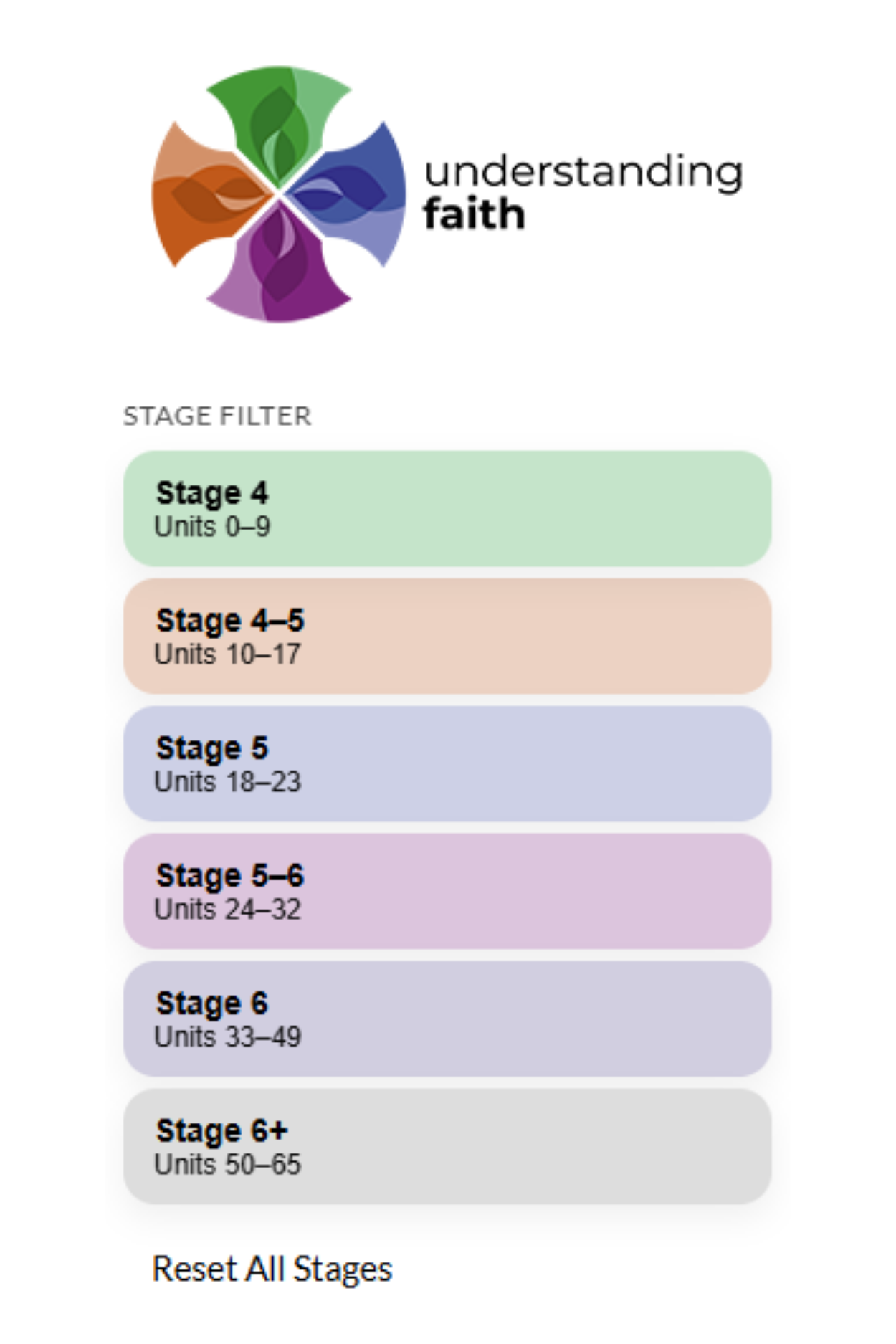
Home page stage filter– filter out stages on the left-hand side to concentrate solely on the content that’s relevant to you and your class
What’s New? Section – quickly view any recent updates to the Understanding Faith resource and website
Last Visited section** – quickly return to your last selected unit
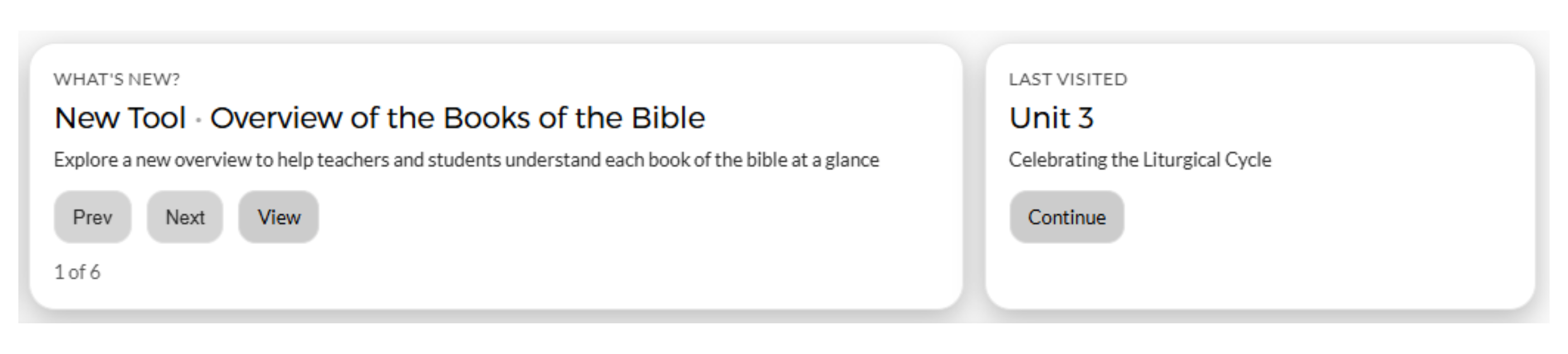
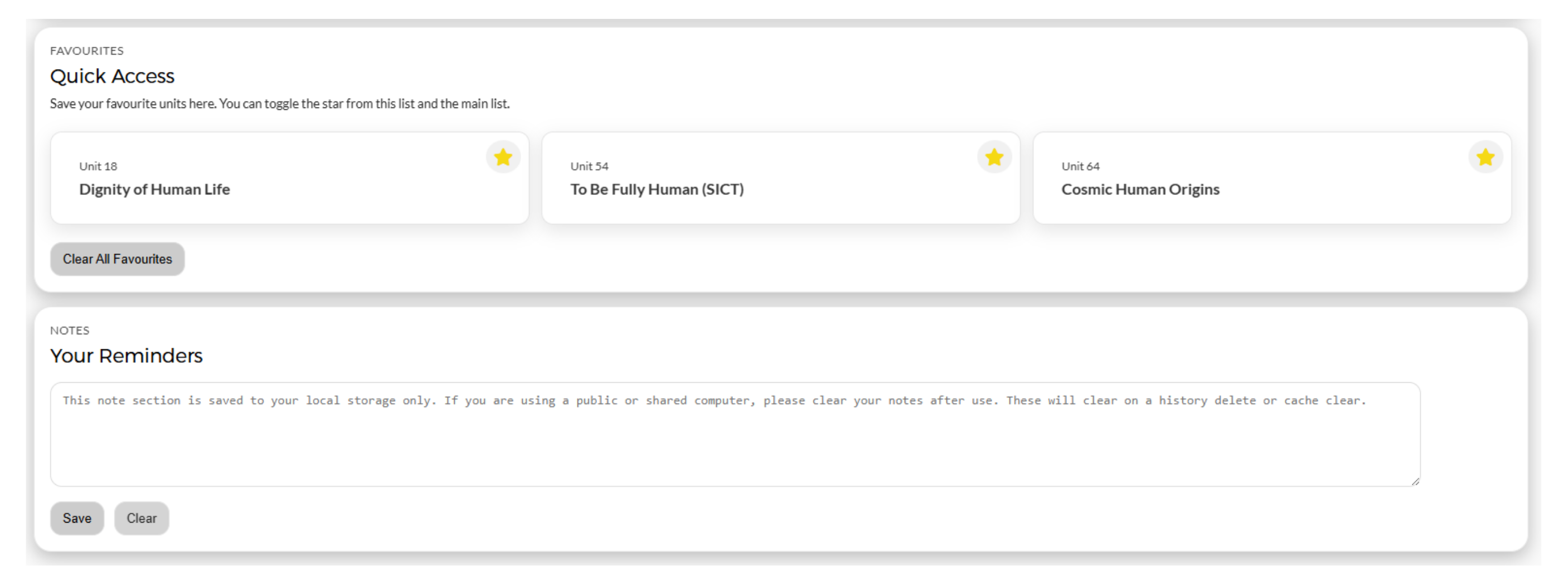
Favourites selection** – save your favourite unit by clicking the star icons and have quick access to them next time you log in to the resource
Notes section** – add your own reminders to assist with your lessons
Sidebar – quick links to all relating resources such as the search tools, free resources, etc
** IMPORTANT – These features are saved locally only e.g. best used on your own device and will clear on history delete or cache clear.
Page Additions
Sidebar – quick links to all relating resources such as the search tools, free resources, etc
Page Navigation – collapsible page numbers as well as the options to view the previous or next part
Top and bottom banners – still accessible on the page but are no longer “Sticky” or “fixed”, allowing an increased reading height / vertical screen space